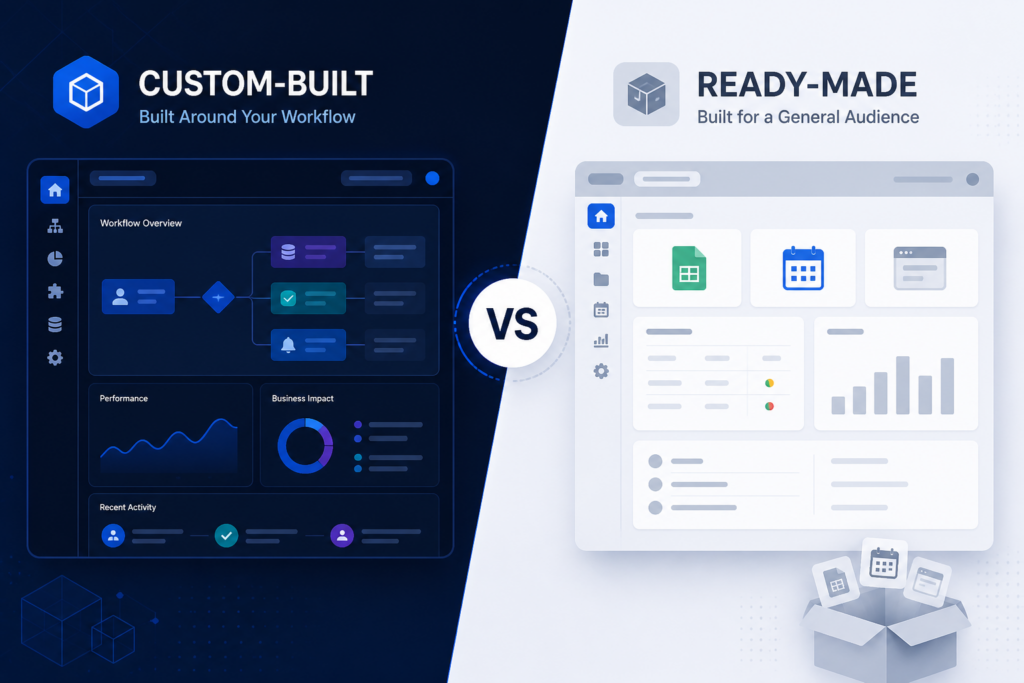
Custom software vs off-the-shelf software is a buying choice, not a slogan. You pick tools that help daily work. A close fit saves time. A weak fit creates extra steps. Therefore you should compare both paths before you spend.
Ready-made tools help you start fast. A custom build can follow how your team already works. However, the better path depends on how unique your process is. Additionally, it depends on which systems must share data. Moreover, it depends on what you need in the next few years.
What is custom software?
Custom software is an app built for one company. It is not a generic product stretched to fit. A team maps how work happens today. Then they agree what to automate. After that they build rules for approvals, pricing, stock, reports, or customer steps that are yours.
Because the product is yours, you decide what ships next. That is the core of custom software development. You get fit and control. You can also connect the tools you already use.
A custom build is not always better. You still need research, design, tests, and care after launch. If the need is unclear, start small. A packaged tool or a small trial can teach you more than a huge project, since a huge project is hard to reverse.
What is off-the-shelf software?
Off-the-shelf software is a product many companies buy. Vendors also call it ready-made or packaged software. Wikipedia explains the same idea as ready-made COTS tools. You buy a licence or you subscribe. Then you set the options the vendor allows. After that you use a standard feature set.
Teams pick this path because many jobs look the same. Invoicing, email, calendars, and a simple sales pipeline are common. Setup can be fast because the product already exists. You also get docs and vendor updates.
Limits show up while your workflow does not match the product. You may pay for modules you never use. You may keep sheets on the side. You may wait on a roadmap you do not control.
Custom software vs off-the-shelf software: key differences
Use the same questions for both. There is no single winner. There is only a better fit for your company at this time. Thus custom software vs off-the-shelf software should mean a clear trade-off, not a brand fight.
Cost
Ready-made products usually cost less at the start. You pay a fee plus setup and training. Later you may pay per user, module, or connector. Custom work costs more at the start because you pay for research, design, and build time. Later costs shift to hosting, support, and planned changes.
Compare both paths over several years, not only the first bill, because the first bill hides later fees. For what actually moves a build budget, see our guide to custom software development cost.
Time to first use
Ready-made software can go live in days or weeks while setup stays light. Custom software needs research, design, and a first release before people log in. That extra time buys a closer fit. It wastes time if a packaged product already does the job.
Fit and change
Packaged tools let you rename fields and toggle features. Some also allow small scripts. Custom software can follow the exact approval chain, edge cases, and reports leaders actually use. If your process is the product, that extra room matters. If a standard process is good enough, extra change wastes work.
Growth
Many ready-made products handle common volume until you hit plan limits. Some features sit behind costly tiers. Custom software can add sites, product lines, or heavier reports without waiting for a vendor plan. Growth still needs a plan. It does not appear just because the code is custom. This is another place where custom software vs off-the-shelf software is a money choice, not a taste choice.
Security
Vendors of widely used products invest in security because they serve many customers. You still set access. You still review who can export data. You still need to know where data lives. With custom software, you and your partner own more of that work: access, updates, backups, and how production runs. Neither path is always safer. The difference is who owns the controls.
Connections
Ready-made products often offer a list of connectors. Those work well because your stack is mainstream. They struggle with older systems, niche tools, or data that must stay in one place. Custom software can share data through APIs, timed jobs, or shared stores. That works while the other systems have docs and you can reach them.
Care and support
The vendor updates off-the-shelf software. You get fixes without writing code. You also inherit screen or price changes you did not ask for. You update custom software when you plan the work. That gives control. It also needs a clear care plan so the app does not stall after launch. Care is part of custom software vs off-the-shelf software, because a live app still needs owners.
Return over time
The first price is easy to compare. Return shows up as time saved, fewer errors, fewer shadow sheets, and a tool that still fits after you grow. A cheap tool that staff avoid is costly. A custom system that only copies a common product wastes budget. Start from the needs you expect in two to three years. Then work backwards. That is how you keep custom software vs off-the-shelf software honest, because hype does not pay the bills.
Advantages of custom software
- Workflows can match how the business already runs, because you set the rules.
- You control the feature plan and release timing, since you own the product.
- You can connect existing systems, not only a vendor list, because the build can follow your stack.
- You can grow skills without waiting on a generic product plan, while you still fund care.
- Screens and access can stay limited to what each role needs, because you choose the layout.
Those gains pay off because the process is distinct enough to justify the build. Otherwise you fund a copy of a product you could have bought.
Advantages of off-the-shelf software
- Lower starting cost and a known feature set, because the product already exists.
- Faster time to first use, since setup is often light.
- Vendor updates, docs, and a user community, while you skip writing the core yourself.
- Less need for an in-house build team for common tasks, because the vendor already built them.
- Easier to try, then replace, if the fit is wrong, although switching still takes work.
Off-the-shelf software helps most while your needs are standard. It also helps while you can adapt a few steps to the tool.
When should you choose custom software?
A custom path is worth a close look when several of these are true.
- Unique steps only work today with manual work around a generic tool, because the tool cannot follow your rules.
- Work involves many roles, exceptions, or approval paths, since one screen cannot cover them all.
- Special functions sit at the centre of how you deliver the service, while a generic pack treats them as extras.
- Several systems need to share data in a reliable way, because staff should not copy rows by hand.
- Growth will outgrow a standard plan’s limits or shape, although you should still prove that first.
- You need control over data, features, and the release calendar, because a shared roadmap will not wait for you.
If several points apply, start with a discovery phase. You want a clear picture of scope. You do not need a promise to build everything at once. The technology stack you choose later should follow that scope. It should not lead it. Do this before you lock custom software vs off-the-shelf software, because stack talk is later work.
In short, custom software vs off-the-shelf software often lands on custom when the process itself is the edge.
When is off-the-shelf software a better choice?
Ready-made software is often the right default when these points hold.
- Needs are standard and mature products already cover them, because the job is common.
- You need to start quickly and learn by using a live system, since delay costs more than a rough fit.
- You only need light setup, not a new workflow, while your process can bend a little.
- Teams and processes are still small or simple, because a big build would be extra weight.
- An existing product already meets the need with little friction, therefore buying is the calm path.
There is no prize for building software you could have bought. Many growing companies use packaged tools for finance, email, and shared work. They reserve custom work for the operational core those tools cannot cover.
Custom software vs off-the-shelf software: comparison table
This table restates custom software vs off-the-shelf software in one view. Use it as a checklist, not a scorecard.
| Factor. | Custom software. | Off-the-shelf software. |
|---|---|---|
| Starting cost, since the spend shape differs. | Higher, since you pay for design and build. | Lower, because you buy a licence or plan. |
| Time to first use, while scope still drives dates. | After research and a first release, because you are making a new product. | Often days or weeks, because the product already exists. |
| Fit to process, because this is the main split. | Built around your workflow, since the rules are yours. | You adapt to the product, while the vendor serves many firms. |
| Connections, because data must move. | Planned for your systems, since you can write the join. | Limited to vendor connectors, although some lists are large. |
| Roadmap control, because release timing matters. | You decide what ships, since you fund the work. | Shared with every other customer, while you wait in the queue. |
| Ongoing cost shape, because later bills add up. | Hosting, support, planned changes, since you plan the work. | Seats, modules, add-ons, because price often follows headcount. |
| Best when, because the fit should lead the buy. | The process is distinct or competitive, since that is the edge. | The job is common and well known, because a pack already covers it. |
How to choose the right option for your business
Write the answers down with the people who will use the system every day, because they see the real friction.
- What jobs must the software finish in the first 90 days, because that list shows the true scope?
- Which of those jobs are unique to you, and which are generic, since generic jobs can use a pack?
- Which current systems must it connect to, and can those systems actually connect, because a blocked join kills the plan?
- Will needs change as you grow, and how soon, while you still have budget left?
- What is the long-term budget, including licences, people, and support, because year-one price is not the whole cost?
- How much control do you need over data, features, and release timing, since a shared roadmap may not wait?
If the list looks generic, start with off-the-shelf. If it is full of exceptions and connections, look at a custom path. You can still run a short packaged trial first. That trial shows you what to keep. Hence you decide with facts, not hope.
Need help with custom software vs off-the-shelf software for your own workflow? Talk to Softlance about the jobs you need done. You can contact the team or request a free quote. We do not assume custom is always the answer. Furthermore, we will tell you when a ready-made tool is enough.
Frequently asked questions
Is custom software better than off-the-shelf software?
Only when your process, connections, or control needs go beyond a packaged product. Extra steps should not be the daily plan. For standard jobs, off-the-shelf is usually the better choice. Thus the real test is fit, not pride.
Is custom software more expensive?
It usually costs more to launch because you fund design and build time. Packaged products often cost less at the start. Then they continue as subscriptions. Which is cheaper over several years depends on user count and needed features. It also depends on how much extra work a generic tool creates. Nevertheless, you should compare both over a few years.
How long does custom software take to build?
A focused first version can take weeks to a few months. Time depends on roles, connections, and how clear the needs are. A multi-platform product takes longer. Timeline follows scope. It is not a fixed catalogue item. Therefore you should freeze the first-version jobs before you start.
When should a business choose custom software?
Choose it when processes are unique, several systems must work together, you need special functions, or you need more control than a packaged product allows. If a standard tool already covers the job, stay with that tool. Meanwhile you can still use ready-made tools for the common jobs around it.
Can custom software connect with existing systems?
Yes, when those systems expose APIs, files, or stores that you can use safely. Plan the connection during discovery. It is not a given for every old product. Therefore you should check access and docs early.
Conclusion
Off-the-shelf software is a strong fit when needs are common, speed matters, and a proven product already does the job. Custom software is a better fit when workflows are distinct, systems must connect, and you need control over how the product grows. The useful question in custom software vs off-the-shelf software is simple. Which option will still match the business after the next stage of growth, without a pile of extra steps? Consequently you should write the jobs down, then pick the path that fits those jobs.